
journeybot
Press Kit
Everything a journalist, blogger, or reviewer needs to cover journeybot. All copy is ready to use as-is or adapt freely.
[email protected]For press enquiries, review codes, and interview requests. Response within 48 hours.
Overview
At a Glance
Background
The Story
Why journeybot exists
Most travel apps try to do everything: booking flights, finding hotels, suggesting restaurants. journeybot does none of that. It does one job: helping you plan and prepare for a trip you've already decided to take.
The idea came from a recurring personal frustration. Every trip had the same failure modes — wrong clothes for the actual weather, a forgotten power adapter, a packing list that was the same whether you were going to New Zealand in summer or somewhere in Europe in winter. Generic advice for specific situations.
The fix wasn't working harder on packing. It was having a tool that knew where you were going and what the weather would actually be like when you got there.
journeybot was built to be that tool — native to the Apple ecosystem, grounded in real forecast data, and designed to feel like it belongs on your iPhone and Mac rather than a web app that was ported over.
What makes it different
journeybot is the complete trip preparation toolkit for iPhone and Mac. Everything you need to prepare for a trip — nothing you don't. It won't book your flights or suggest restaurants, but it will make sure you leave the house with the right clothes, the right adapter, and nothing forgotten.
How it works natively
A lot of "smart" apps today are thin wrappers around an API call to a big language model. journeybot is built on Apple's Foundation Models. By default, the semantic understanding of what to pack happens locally, with Apple Private Cloud Compute as an opt-in on iOS 27. The weather models come straight from Apple WeatherKit.
This isn't just about privacy (though that matters) — it's about performance and reliability. It means the core engine works offline, on an airplane, instantly.
Key Features
Features
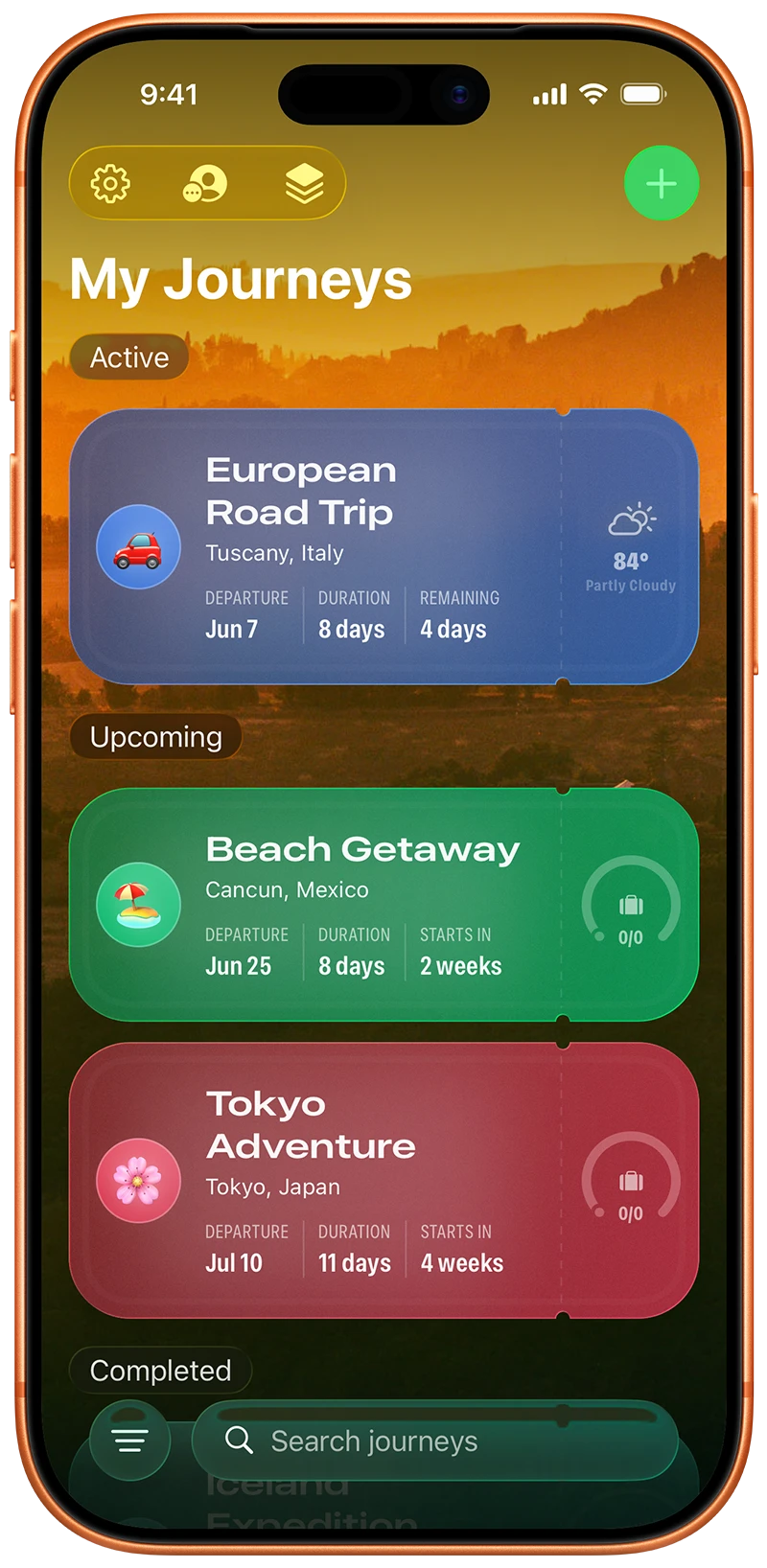
Journey Planning
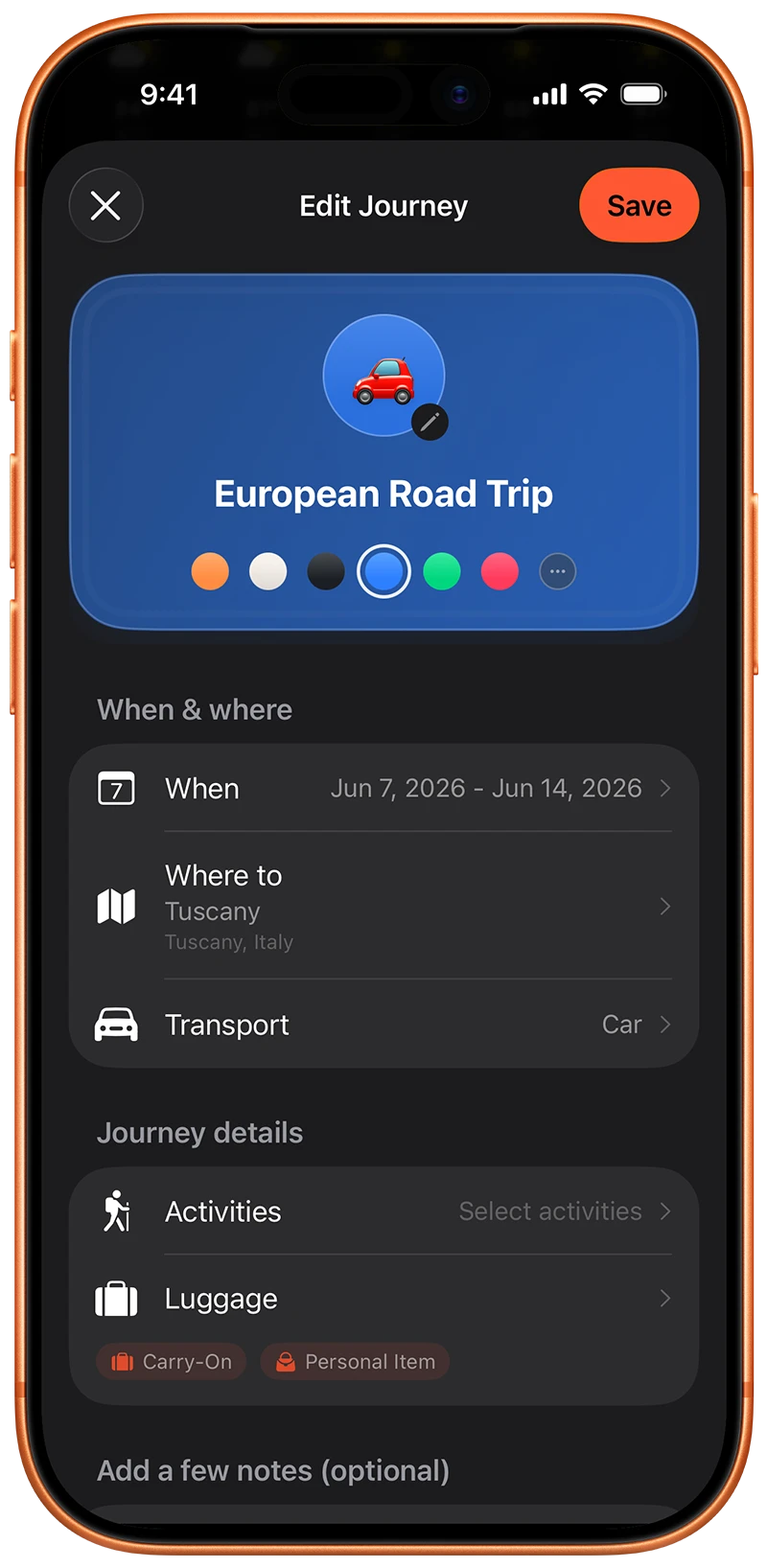
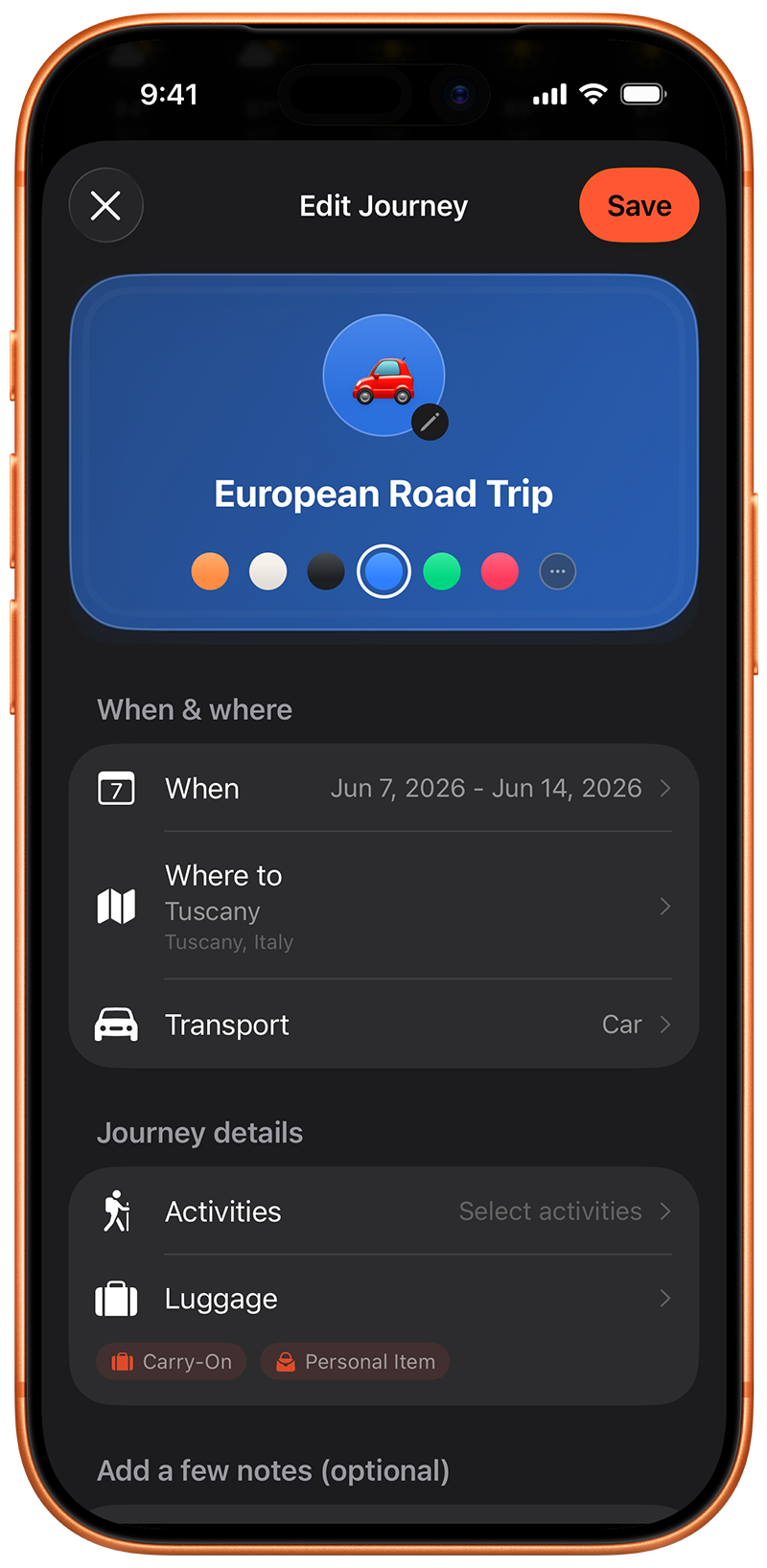
- Create journeys with name, destination, dates, and notes
- Mark journeys as favourites
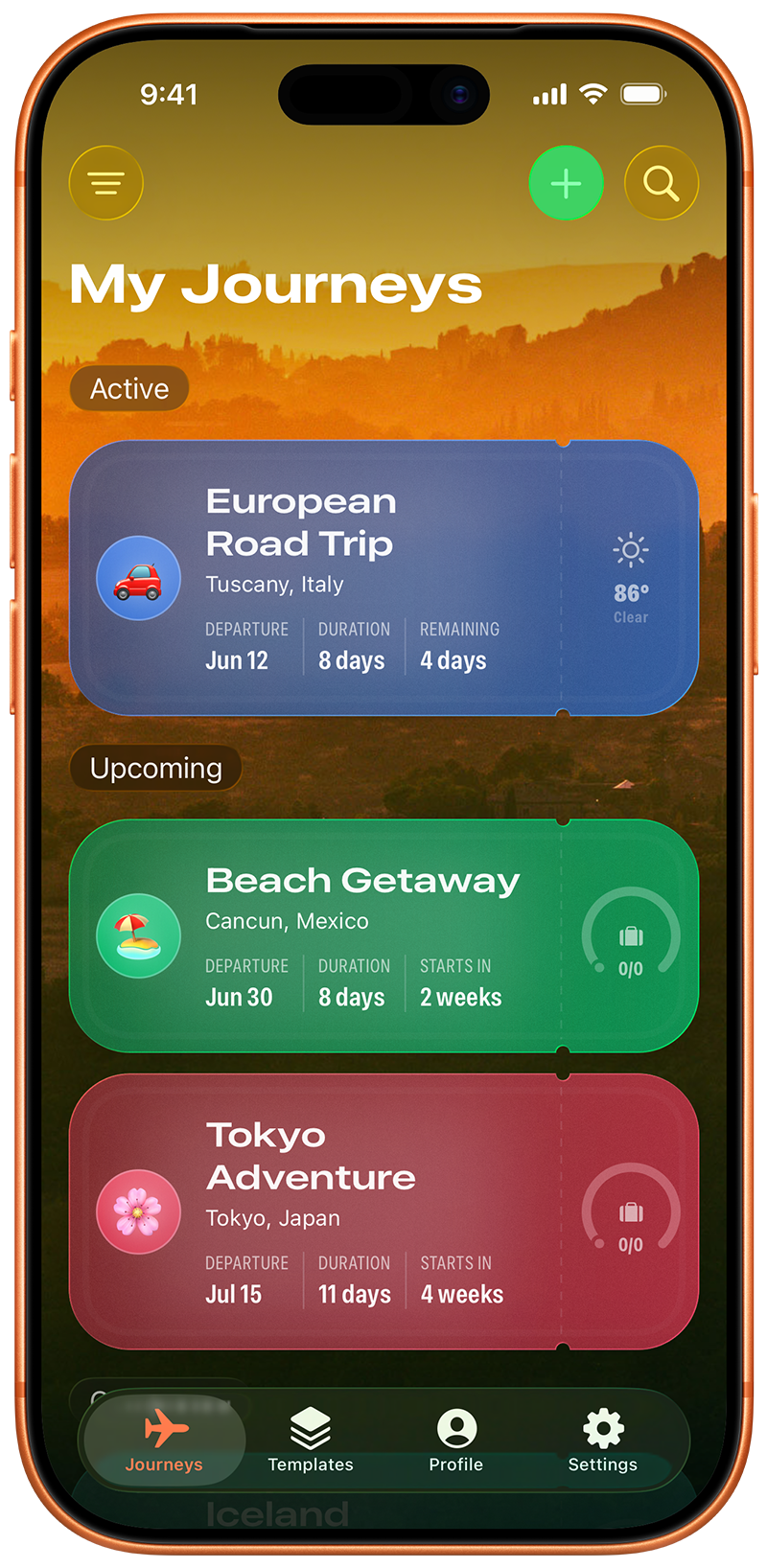
- Journey status tracking: Upcoming, Active, Completed
- Soft delete with 30-day trash retention and restore
- Search and filter across all journeys
- Transport options: flight, car, train, ferry, cycling, and motorcycle
- Free tier: 3 active journeys
Smart Packing Lists
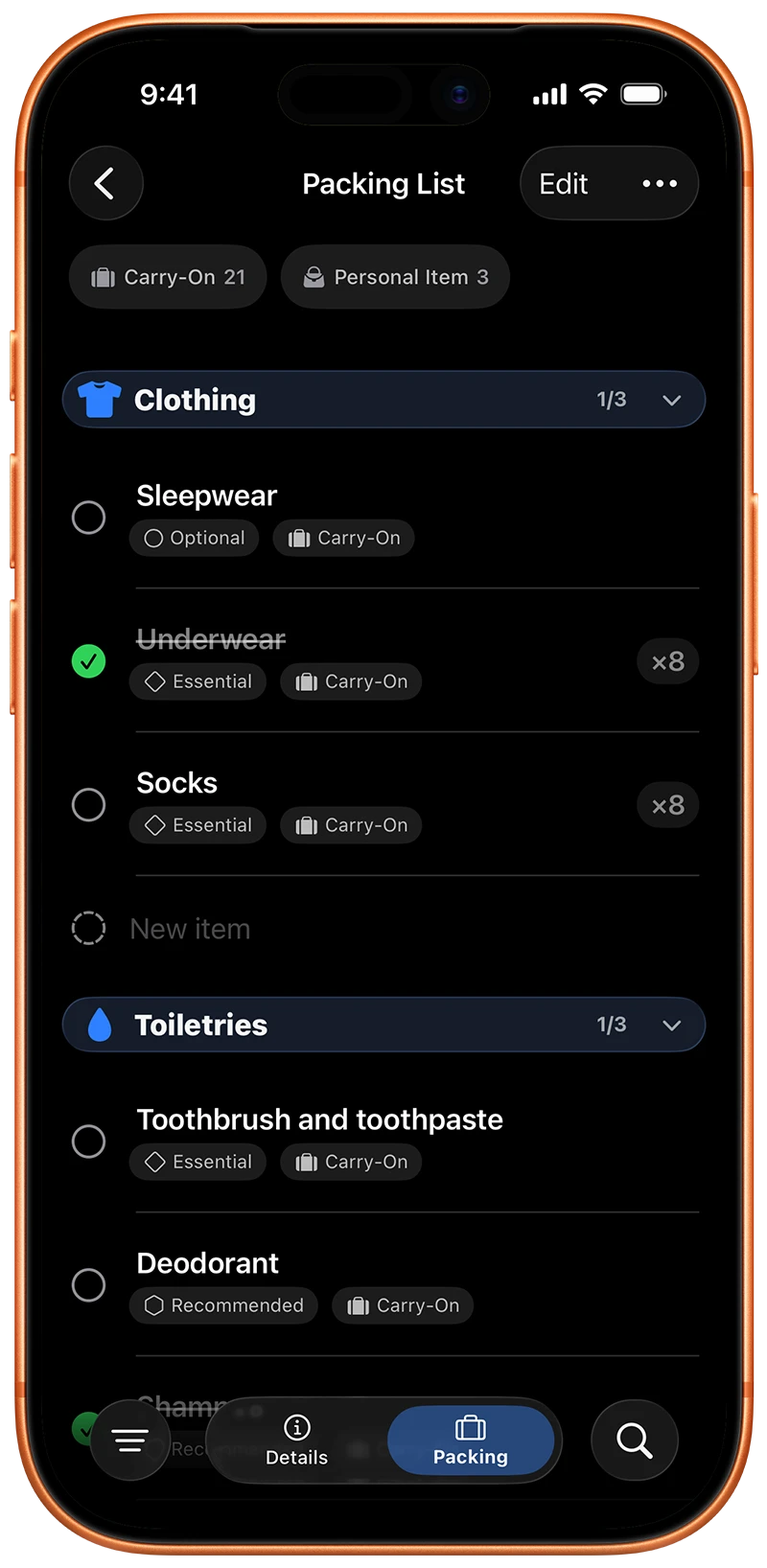
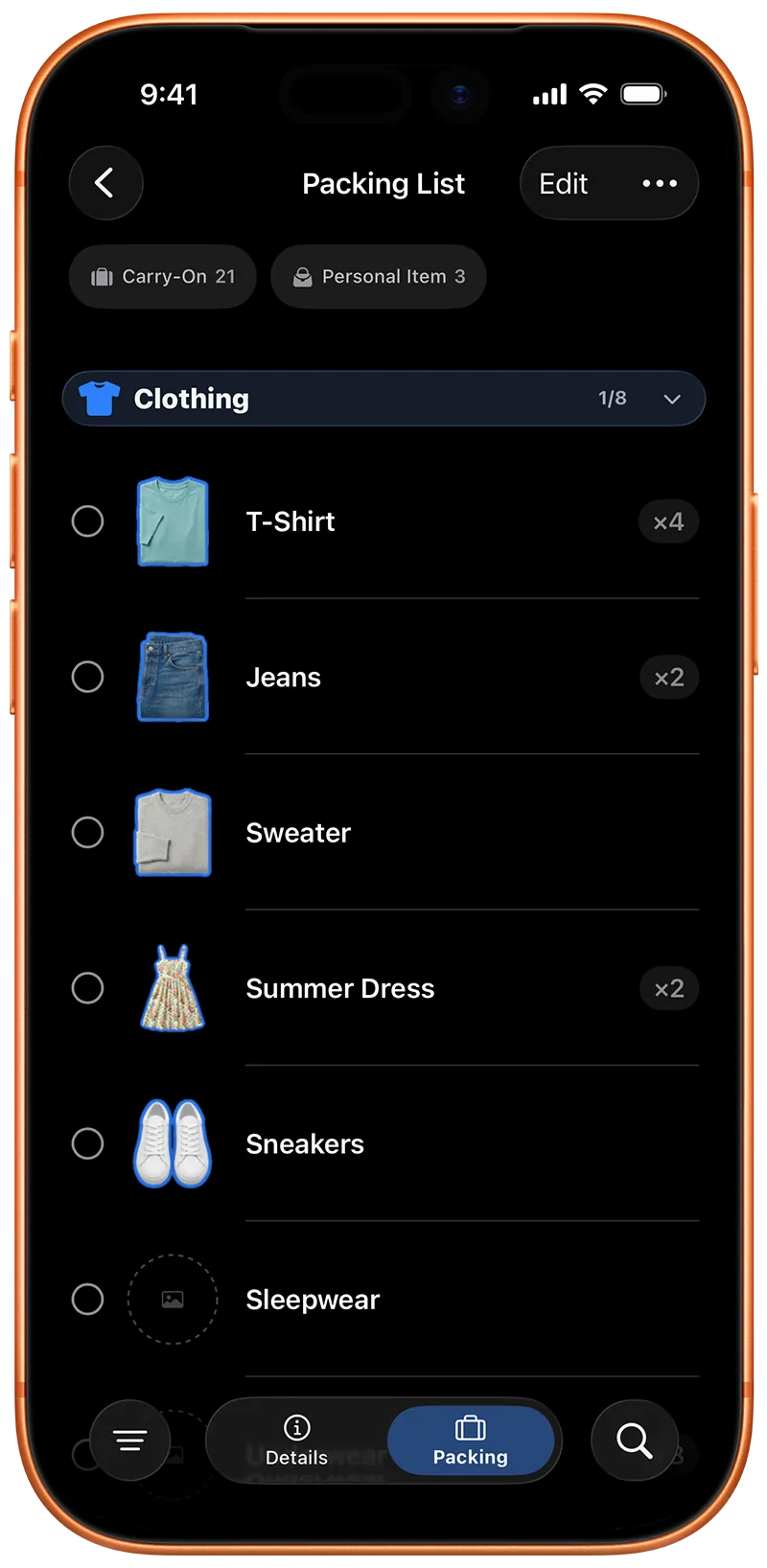
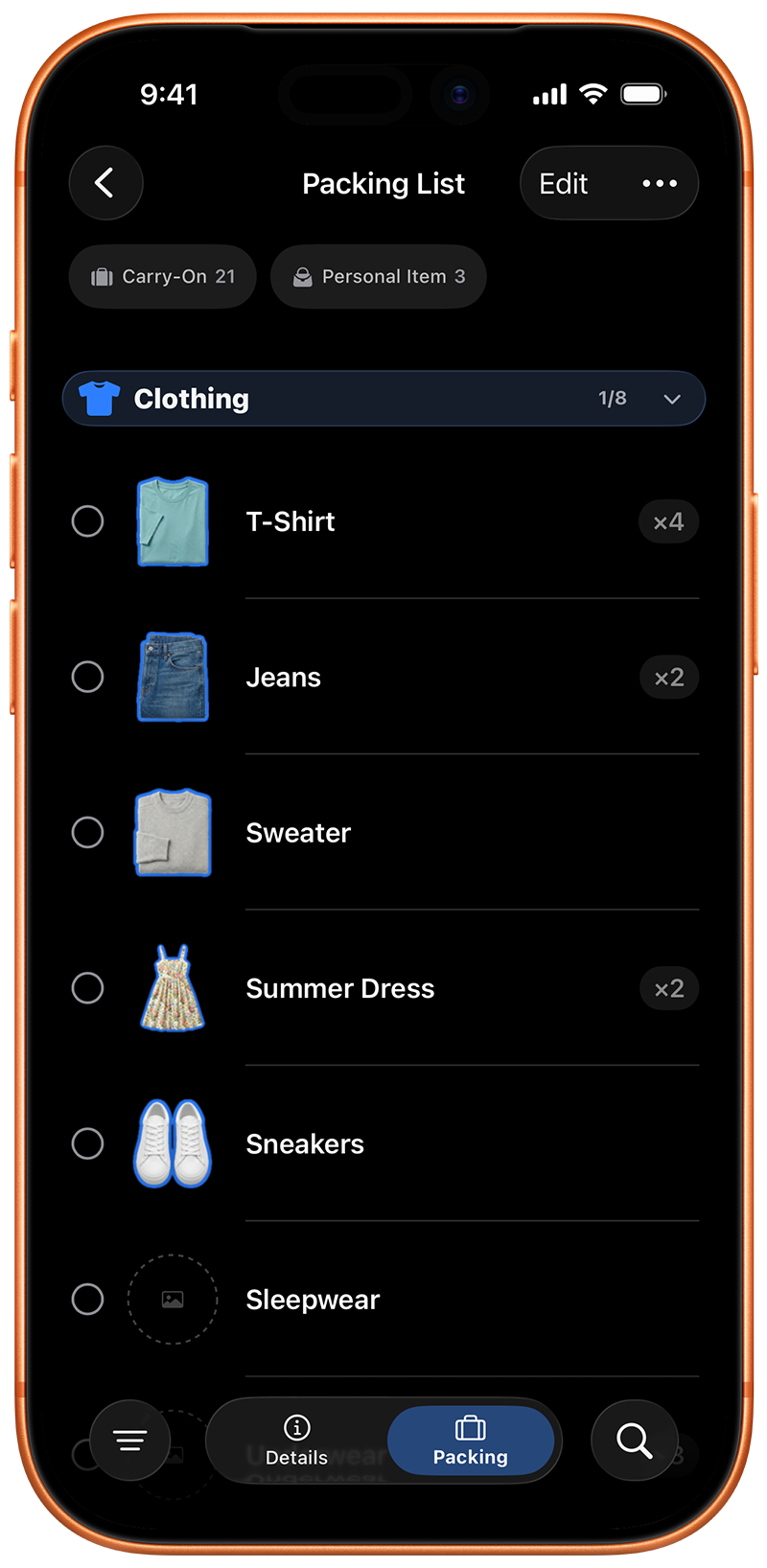
- Generates a destination-specific packing list using on-device intelligence
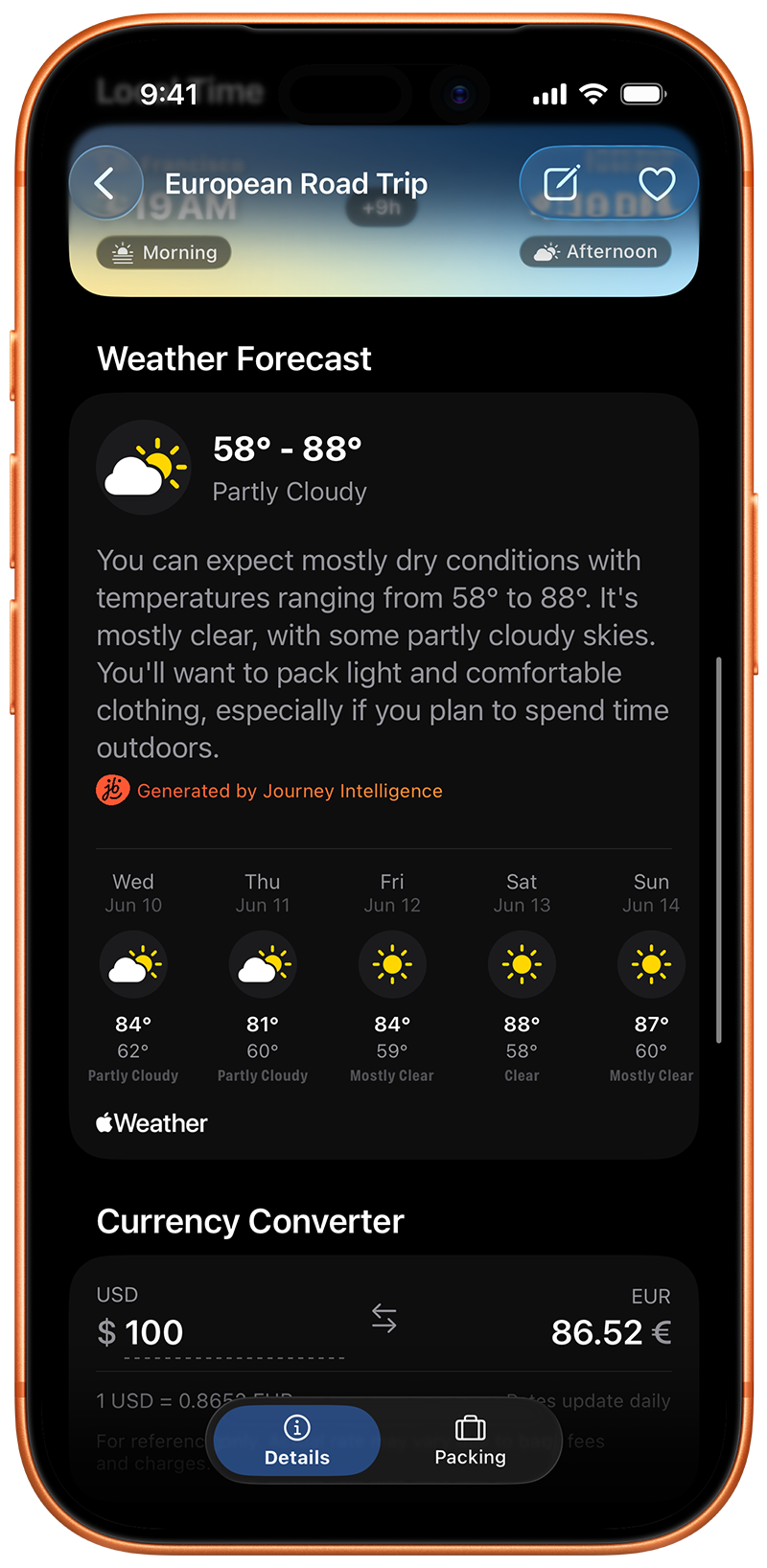
- Integrates live weather forecasts from Apple WeatherKit for near-term trips (within 10 days)
- Uses 3-year historical weather averages for future trips
- Activity-aware packing: cycling, hiking, skiing, photography, and more
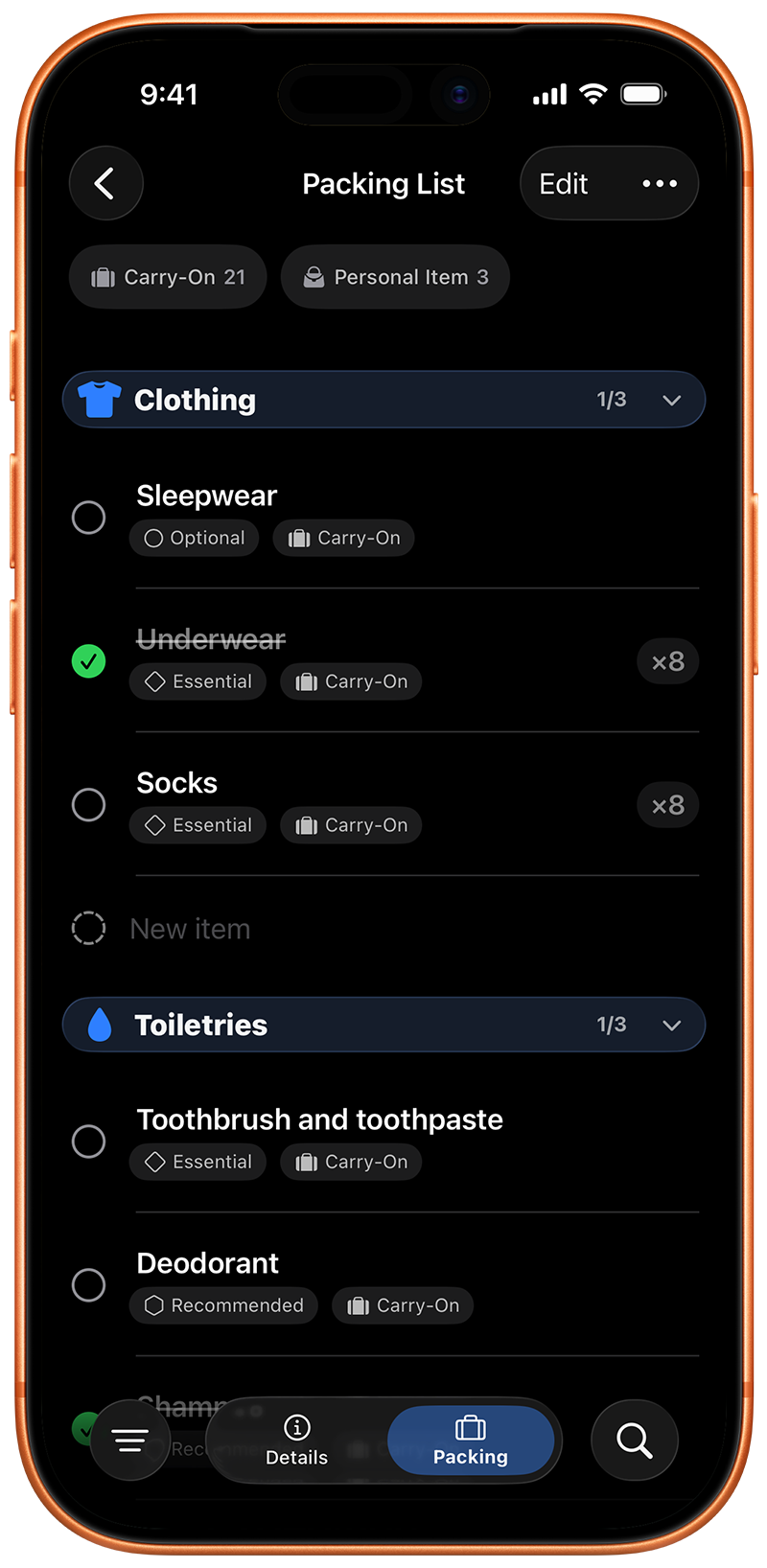
- Smart bag type assignments: items routed to the right bag automatically
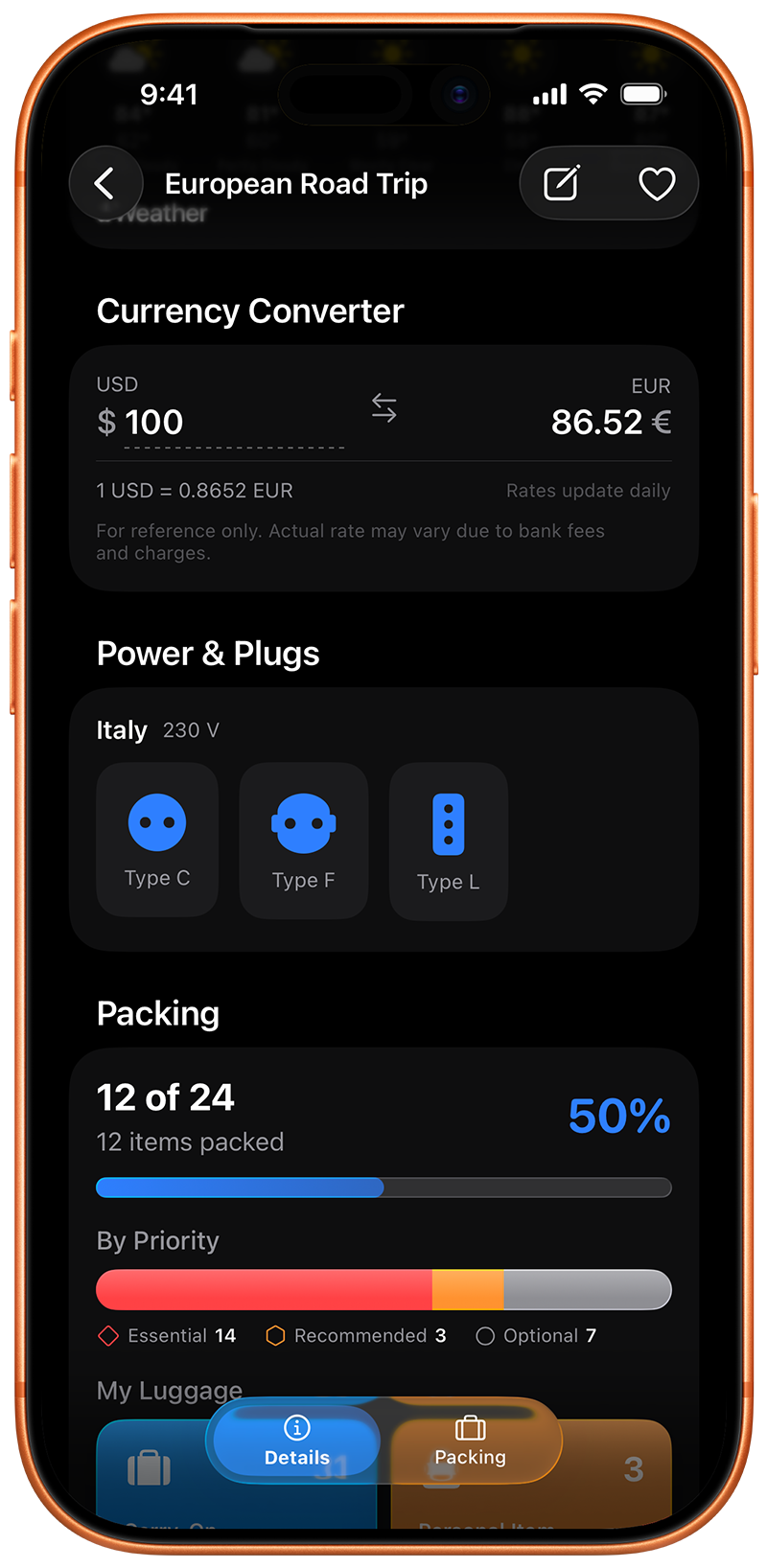
- Power adapter suggestions: identifies the correct plug type for your destination
- Custom items, pack/unpack with a tap
- Import existing packing lists from Notes, Files, or CSV spreadsheets; review categories and items before adding them, including anything already packed
- Custom packing categories: add, rename, change icons, merge, reorder, or delete categories from packing lists and templates
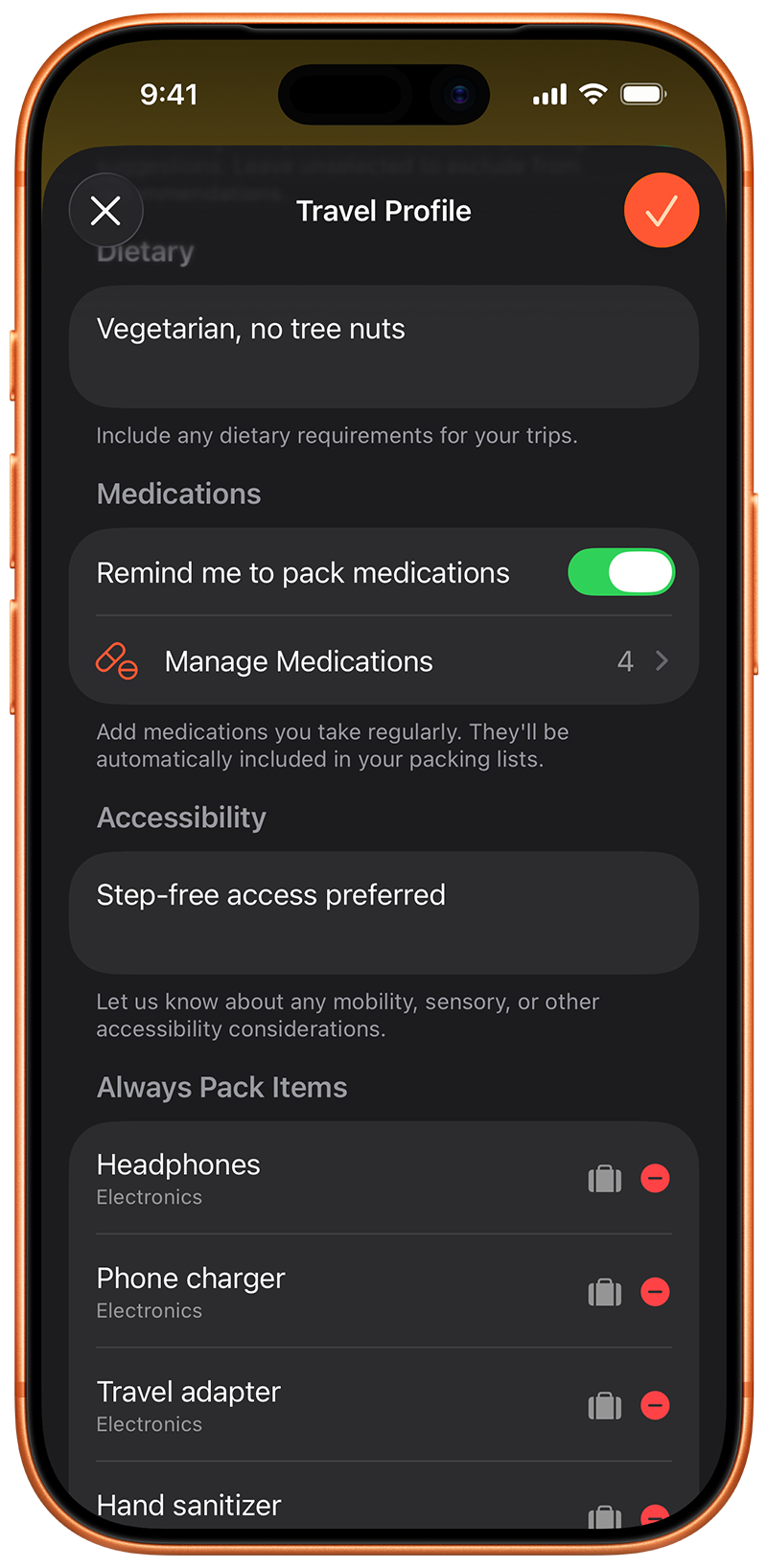
- Always-pack items configurable with their own category, bag, priority, and quantity
- Packing list templates: up to 3 included free, unlimited with Premium
- Photo stickers: snap any item and Vision lifts it onto your list as a clean sticker (5 free, unlimited with Premium)
- Free tier: 1 smart generation (unlimited manual lists)
Weather Integration
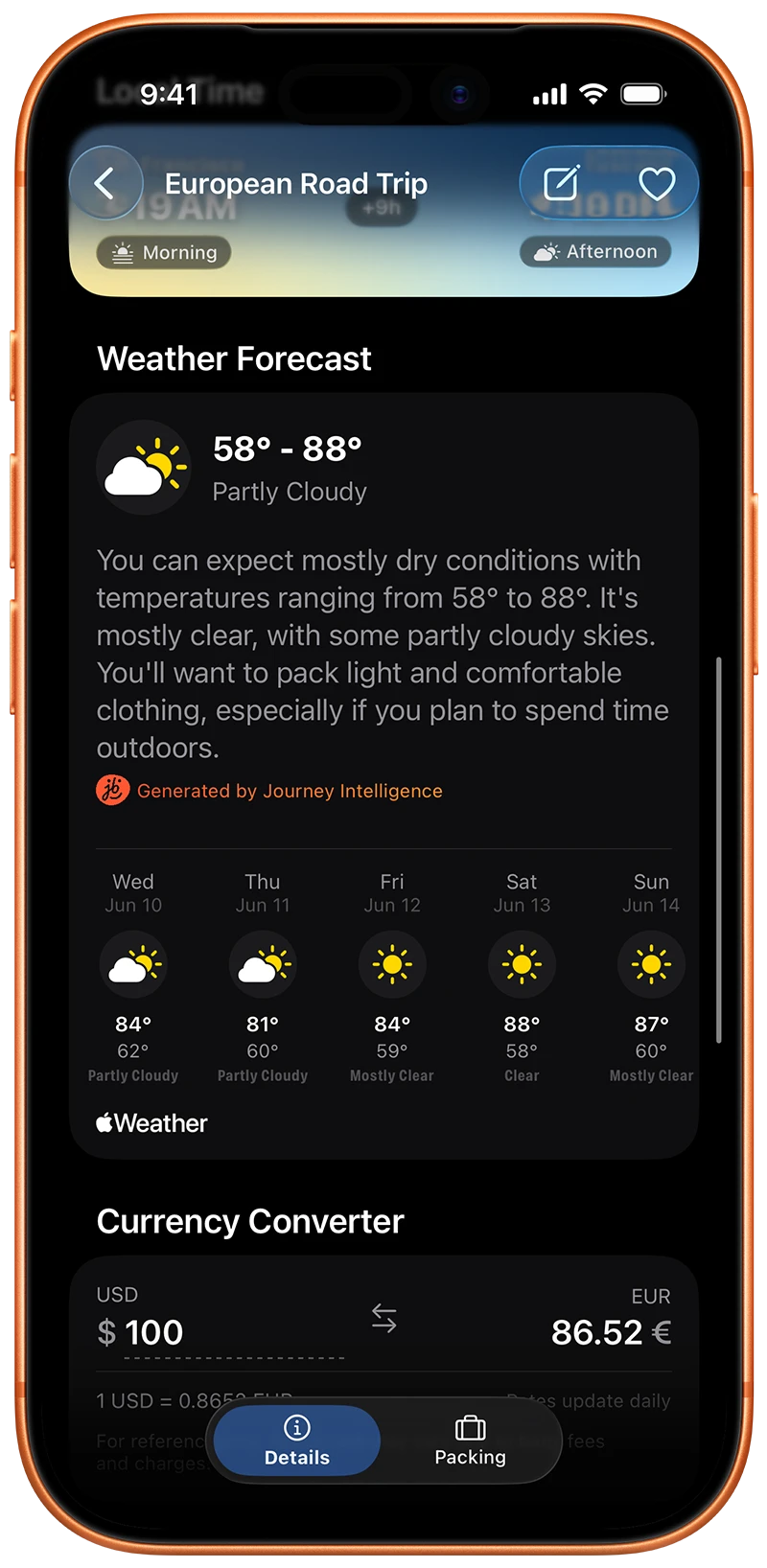
- Automatic weather data for every journey with a destination
- Near-term trips: real 10-day forecast from WeatherKit
- Far-future trips: 3-year historical average for the destination
- Natural language weather summaries
- Cached weather data for offline access
- Optional journey reminders: weather-aware notifications and packing prompts as a trip nears
iCloud Sync
- All data synced via CloudKit — same account, all devices, automatic
- No account creation, no email, no password
- Works across iPhone, iPad, and Mac
- Plan your trip on a Mac on Sunday, check off your items on an iPhone on Friday
Home Screen Widgets
- Two distinct widget types to keep your journey in view
- Journey Countdown: available in small, medium, and large, showing your next trip, dates, and days remaining
- Local Time: view home and destination times side-by-side, automatically color-coded for time of day
- Taps deep-link directly into the relevant journey in the app
- Updates automatically as your journey details change
Currency Converter (Premium)
- Converts between home currency and destination currency in real time
- Exchange rates updated daily
- Supports simple math expressions — type "100+50" to convert 150
- Works offline for the last cached rate
Business Model
Pricing
Free
$0
- ✓ 3 active journeys
- ✓ 1 smart packing list generation
- ✓ 3 packing list templates
- ✓ Unlimited manual lists
- ✓ iCloud sync
- ✓ Home screen widget
Premium Monthly
Subscription
- ✓ Unlimited journeys
- ✓ Unlimited smart packing lists
- ✓ Unlimited packing list templates
- ✓ Custom journey icons
- ✓ Power adapter suggestions
- ✓ Currency converter
Most Popular
Premium Yearly
Subscription
- ✓ Everything in Monthly
- ✓ Billed annually — save vs. monthly
- ✓ 2-week free trial
Premium Lifetime
One-time
- ✓ Everything in Monthly
- ✓ Pay once, own forever
- ✓ All future features included
Free tier is intentionally generous — most occasional travellers may never need to upgrade. Premium is aimed at frequent travellers who generate a new packing list for every trip.
Technical Details
Technical
Developer Bio
Founder
Mikey Ferák
Developer & Designer · Solo Indie
Mikey is a solo indie developer building native Apple apps. journeybot is a fully self-funded, solo-built application — from architecture to UI design to App Store copy.
[email protected]Quotes
Quotes
Use any of these quotes in coverage. Attribution: Mikey Ferák, developer of journeybot
On why he built it
“I was planning a month-long solo trip to New Zealand and realised every packing app gave me the same list regardless of where I was actually going. New Zealand in January is summer, the south island gets cold, I'd be hiking and in cities. I wanted something that knew the specifics — not just that I was travelling.”
On the design philosophy
“There are two kinds of travel apps: the ones that want to replace every other travel service, and the ones that do one thing well. journeybot is the second kind. It helps you prepare for a trip. That's the whole job.”
On privacy
“Not having user accounts isn't a feature I added. It's a consequence of a decision I made early on. Your travel data goes to your iCloud. I never see it. I technically can't. That felt like the right way to build this.”
On being a solo developer
“Every line of code, every screen, every word of copy was written by one person. That's a constraint, but it's also why the app feels coherent. There's nobody to argue with about what it should be.”
App Store (5★)
Cutting Edge Packing App
“By far, this is the most advanced packing app I have seen.”
Fantastic!
“I used to use a combination of apps to plan my trips. This has it all in one place.”
Very nice and comprehensive
“Nice work on this app especially with the electrical plug and weather info. Stuff that you don't always think of right away.”
A truly useful app for travelers
“The design is beautiful, the UX is fantastic, and it's very simple and intuitive to use.”
Good app
“Makes packing to head off much easier and stops that panic half way there about what you forgot.”
Must have trip planner
“Strikes the perfect balance between utility, support and fun.”
Boilerplate
Copy & Paste
Short Boilerplate (approx. 50 words)
Standard Boilerplate (approx. 100 words)
Frequently Asked
FAQ
Contact
Contact
Press, review codes & interview requests
Downloads
Downloads


App Screenshots
High-resolution PNG screenshots. Free to use in editorial coverage.